
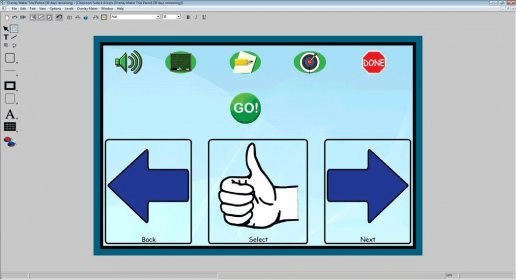
Overlay Maker transforms the IntelliKeys keyboard into a curriculum access device, opening up a world that was previously closed to many students with special physical or cognitive needs. Overlay Maker allows users to create custom overlays in just minutes for individualized needs and greatly expands the capabilities of the basic keyboard.
 dbForge SQL Tools 6.6
 dbForge Studio for SQL Server 6.6
 dbForge SQL Complete 6.1
 dbForge Source Control for SQL Server 2.7
 dbForge Compare Bundle for SQL Server 6.6
 dbForge Documenter for SQL Server 1.8
 dbForge Data Generator for SQL Server 4.6
 dbForge Index Manager for SQL Server 1.1
 dbForge Data Pump for SQL Server 1.9





Comments